1
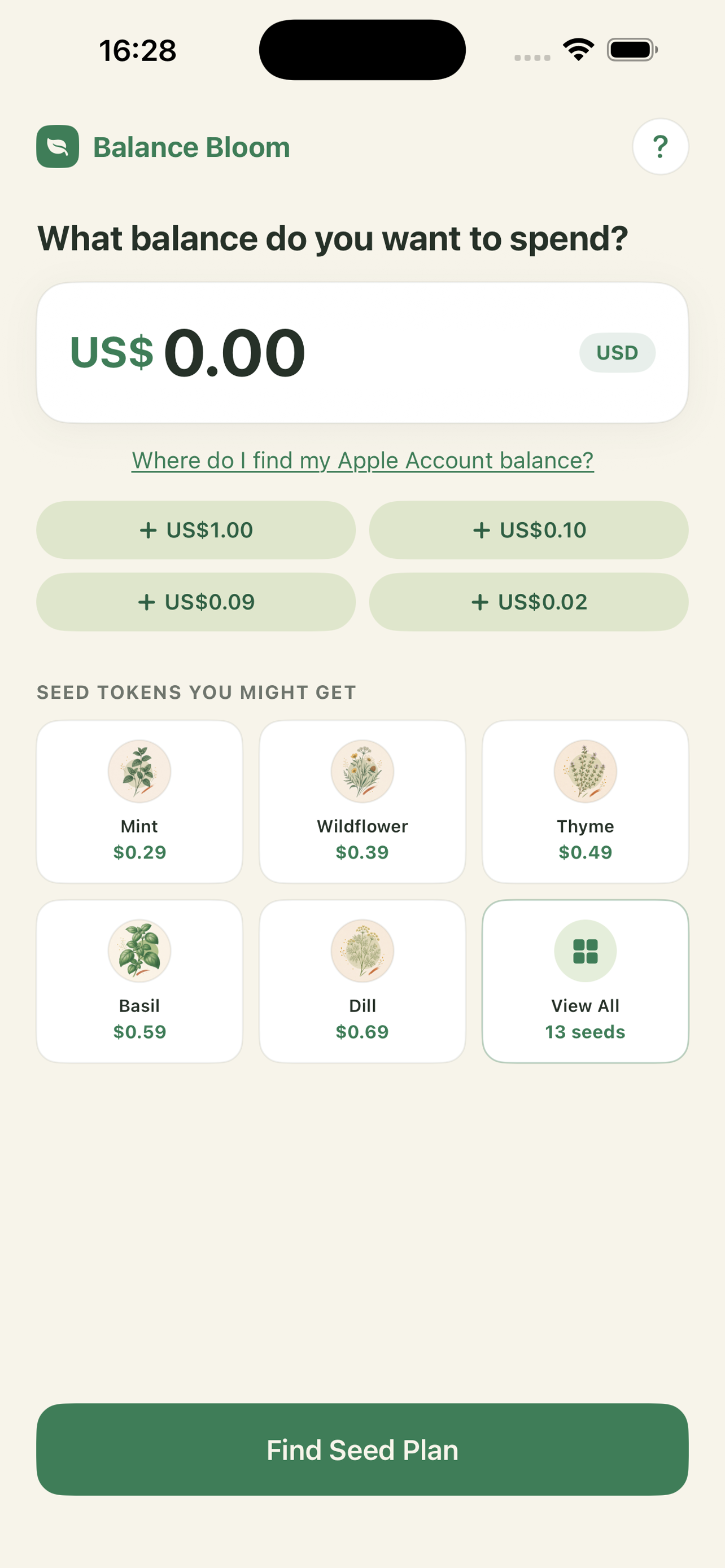
Enter your balance
Check Settings → your name → Media & Purchases → View Account for your current Apple Account balance, then type that amount into Balance Bloom's Home screen. We never access it directly.
2
Review your Seed Plan
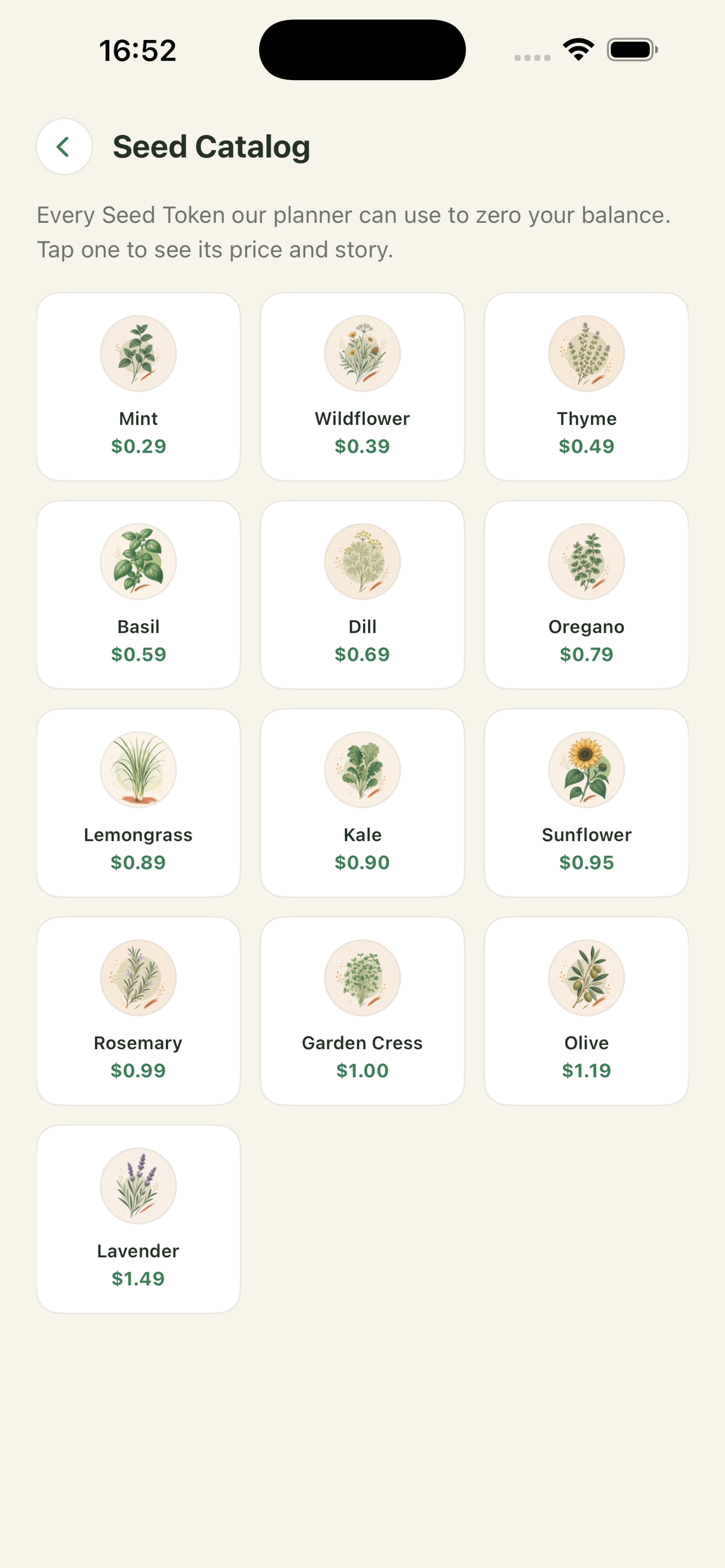
Tap "Find Seed Plan." Balance Bloom shows the closest combination of Seed Tokens at Apple's approved prices — exact when possible, or the best no-extra-charge option.
3
Complete each purchase
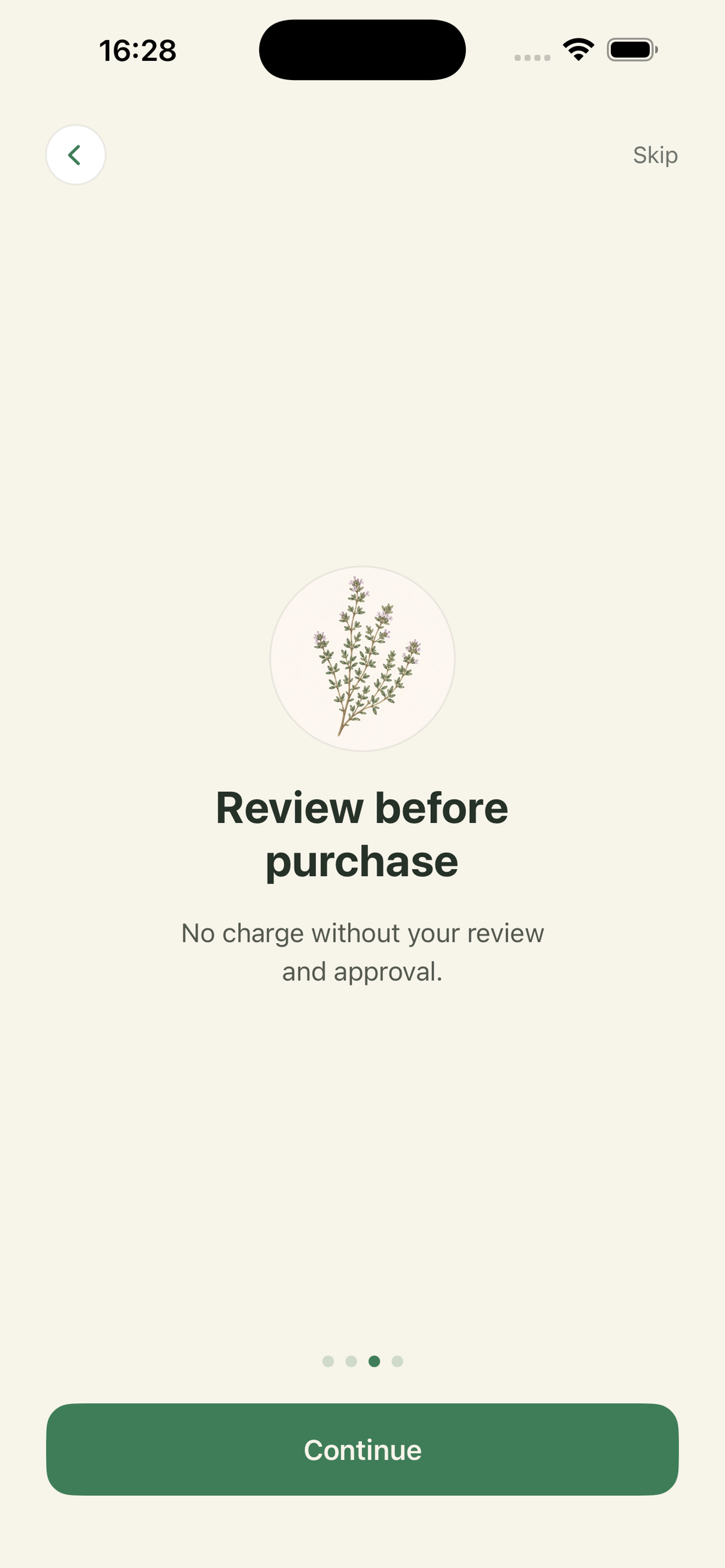
No charge without your review and approval. Confirm each Seed Token one at a time through Apple's standard purchase sheet. You can cancel and pick back up later — completed steps are saved.
4
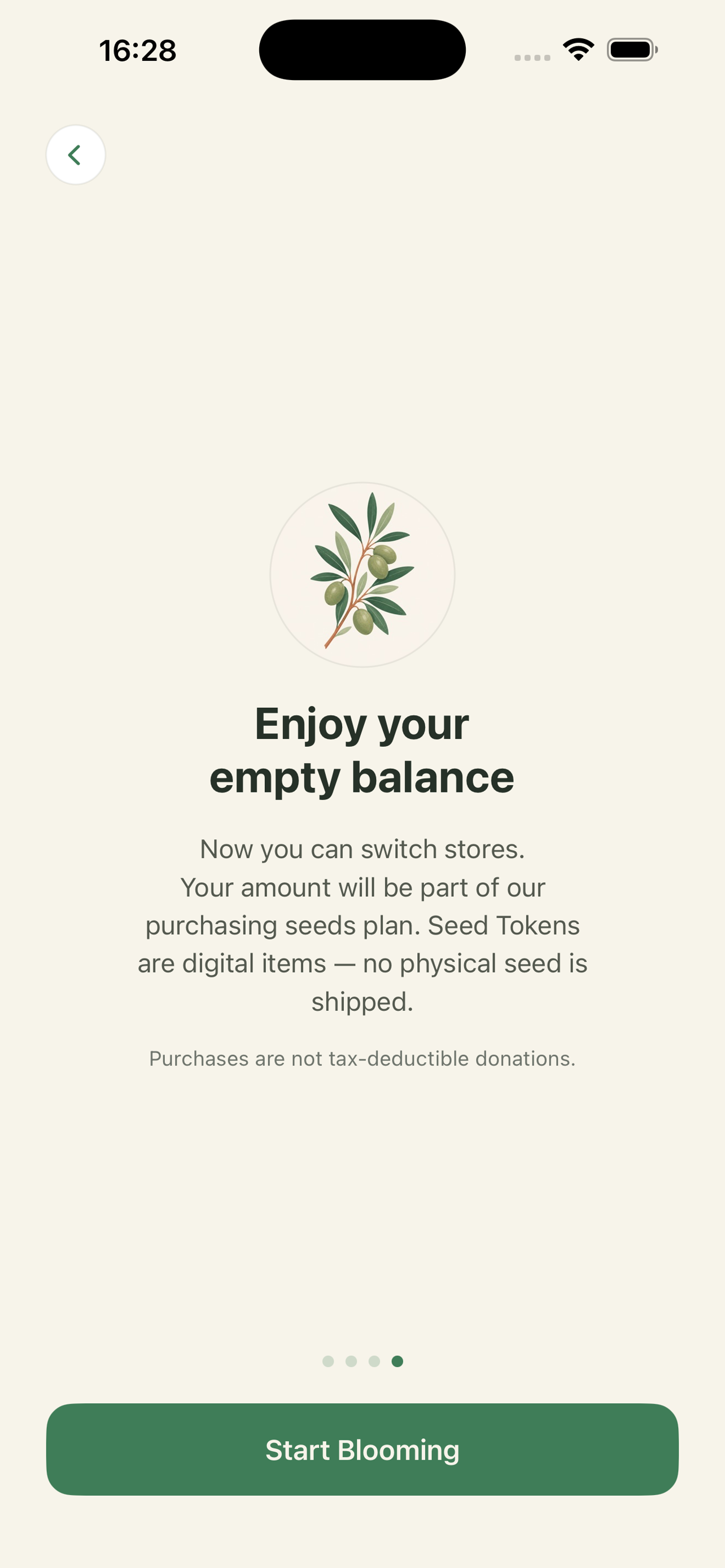
Enjoy your empty balance
Check your Apple Account balance in Settings to confirm the result. Now you can switch stores. If a tiny remainder is left over, Apple Support can sometimes help clear it.
Want to change your App Store country or region afterward? Apple requires your balance to read $0.00 first — see the Change Store guide.